 Melal CRM
Every customer, every follow-up, every deal — in one place your whole team trusts
Melal CRM keeps your conversations, reminders, tasks, sales pipeline, proforma invoices and stock together, so nothing depends on someone's memory or a lost WhatsApp chat. Use the web version in English, Arabic or Persian, and take your own follow-ups with you on Android and Windows — even offline.
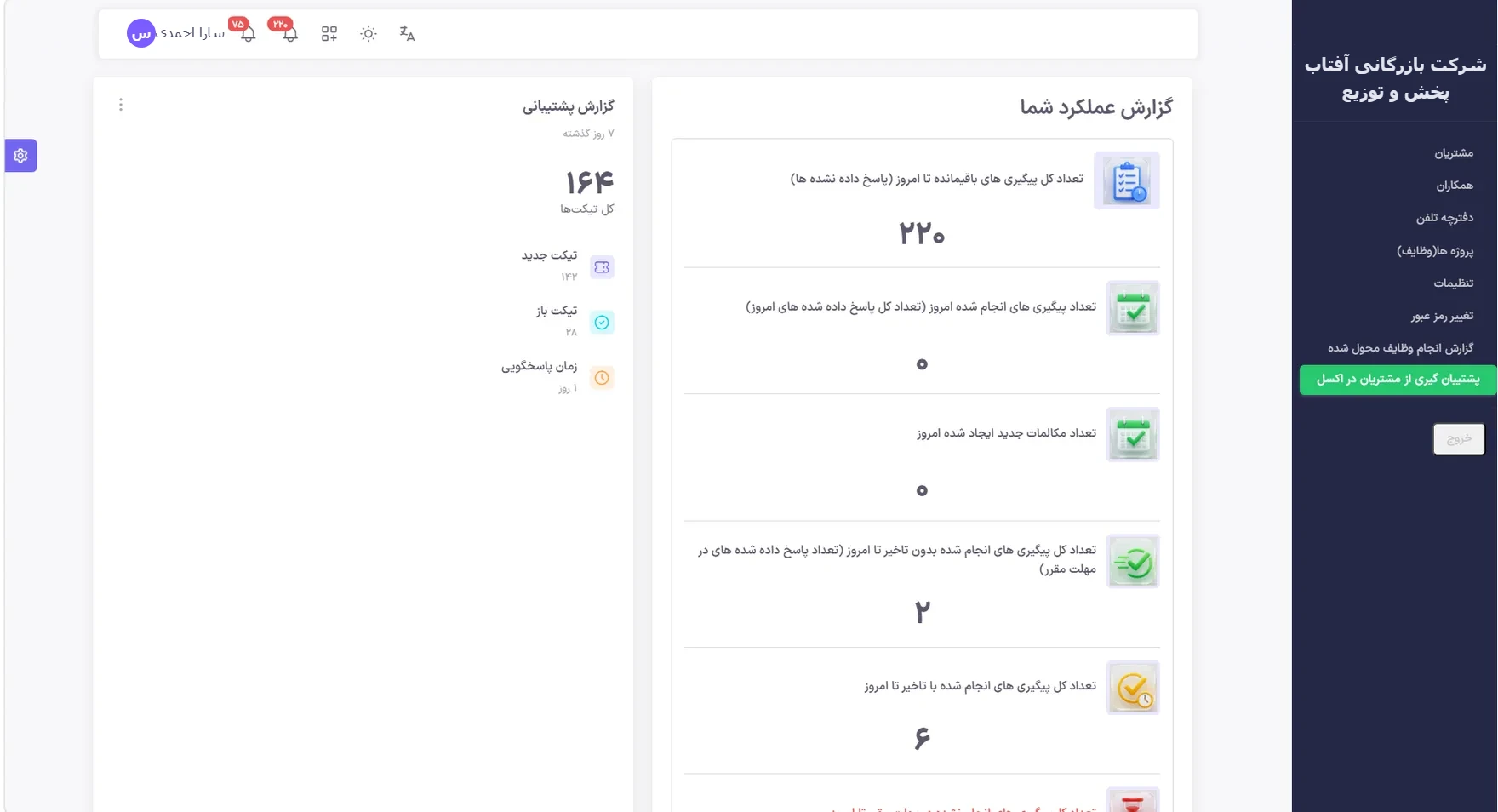
Built around the way B2B teams actually sell
Repeat buyers, long conversations, quotes that need approval and payments that need chasing. Melal CRM is designed for exactly that.
Conversations with a next step
Log every call, visit or WhatsApp exchange with its subject, channel and the date and time of the next follow-up. Replies stay in one thread.
Reminders that actually ring
Push notifications on each device at the time you set — once, on the right day. Open reminders stay visible until they are handled.
Hand work to a colleague
Delegate a follow-up or copy someone "for info only". If delegated work with a deadline time is not done, it returns to the person who assigned it.
Your own sales pipeline
Define your own stages, run several open deals per organization, and let stages move automatically when a proforma is approved, an invoice is issued or a payment arrives.
Proforma to invoice, with approval
Proformas and invoices go through approval by an admin or a permitted colleague. Rejected documents come back with a reason; issued documents are frozen and printable as PDF.
Stock across warehouses
Multiple warehouses, transfers, stock counts, item ledger and batch and expiry tracking — next to the customers who buy from them.
For managers: see the work, not just the numbers
Know what happened today without asking everyone for an update.
Management desk
Pending approvals, leave requests and your team's work in one admin page, by day, week or month.
Live activity feed
A daily feed of your colleagues' conversations and tasks, plus follow-up, task, sales and receivables reports.
Permissions that match your team
Salespeople see only their own customers. Admins decide per colleague and module who can view, edit or delete.
A full audit trail
Top admins can see creates, edits and deletes across the main modules, with the values before and after each change.
Works where your team works
Web and installable app
Use it in any modern browser, or install it on your computer or phone for one-tap access and notifications.
Android app, offline
Your own tasks, conversations and customers stay on the phone. Reminders ring without internet, and everything syncs when you are back online.
Windows app, offline
An encrypted local copy for working without a connection. Lost a laptop? An admin can disconnect it and its company data is wiped on the next connection.
English, Arabic and Persian
Switch the web interface between English, Arabic and Persian in each browser. English is left-to-right, and customer data is shown exactly as it was typed. The Android and Windows apps are currently in Persian.
Getting started
- Request a demo. Tell us about your team and how you sell today.
- Get a trial account. We set it up for your company and walk you through it.
- Import your data. Bring customers, contacts and products in from Excel, with a preview before anything is saved.
- Invite your team. Set permissions, install the apps and start logging conversations.
Frequently asked questions
Is the whole interface available in English?
The web interface can be switched between English, Arabic and Persian in each browser, and English is shown left-to-right. Menus, the top bar with its notification bells and parts of the screens are already in English; the remaining screens are being translated and still show Persian text. Date entry currently uses the Persian calendar, and the Android and Windows apps are currently in Persian.
Does it work offline?
Yes, through the apps. The Android app keeps your own tasks, conversations and customers on the phone, rings reminders without internet and syncs when you are back online. The Windows app keeps an encrypted local copy and syncs automatically.
Can each salesperson see only their own customers?
Yes. Colleagues who are not admins see only their own customers, and admins decide per colleague and per module who can view, edit or delete.
How much does it cost?
We do not publish a price list for international customers yet. Request a demo and we will set up a trial account and send you a quote for your team size.
Can I import my existing customer list?
Yes. Organizations, contacts, products, invoices, conversations and deals can be imported from Excel. You see a preview and an error file before anything is saved, and the import never deletes existing data.
Want to go deeper? Read What is a CRM? or all our guides.
See Melal CRM with your own sales process
Tell us how your team sells today. We will set up a trial account and walk you through it on a short call.
Request a demo